ばね-質量系 多自由度振動シミュレーター
Vibration simulator
for
Multi-degree of freedom Mass-Stiffness System
このサイトのシミュレーションは、Javaのサービス終了により表示できません
現在、
php+Python
で、より詳しく解説をしながら作り直しています。
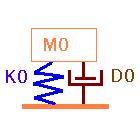
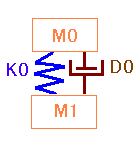
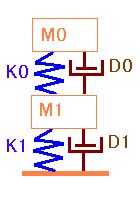
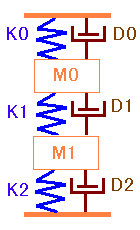
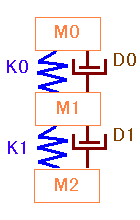
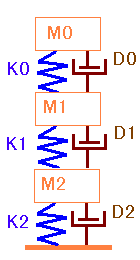
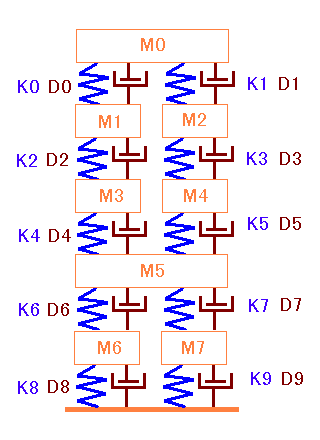
下記のパターンはパラメータの入力方法の説明のための計算例です。
マウスでクリックすれば、周波数応答とインパルス応答が表示されます。
どれから入っても最大10自由度まで何回でもシミュレーションできます。
詳細な説明は
ここを
クリックしてください。
Go back to home page
Select figures below,then click !! to display
the frequency response and impulse response.
Any figure you'd select,it can be changed parameters in the same way
up to ten d.o.f whith repetitions.
More imformation about this program,why not
click here
.